Restaurant & Outlet POS
Orders, billing, kitchen display, and inventory in one system. Built for hotel F&B outlets and standalone restaurants alike.
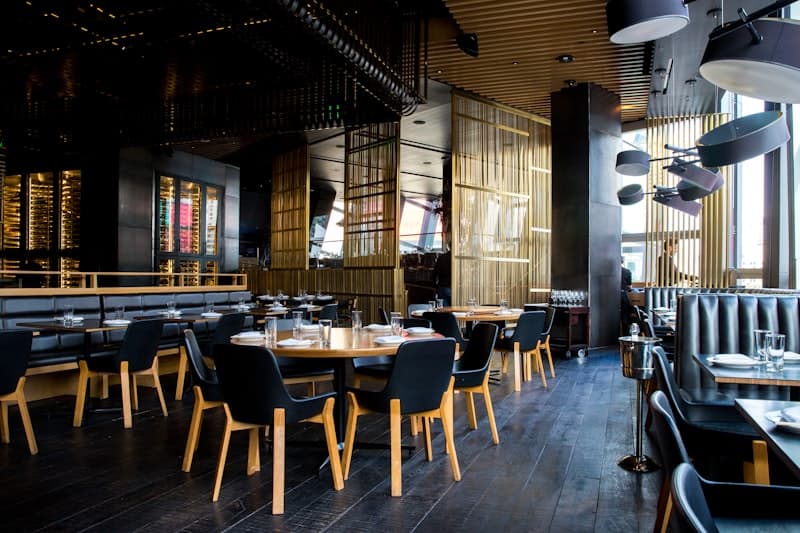
Your F&B operation deserves more than a cash register
Hospitality food & beverage is fast-paced and multi-channel — dine-in guests, room service orders, takeaway requests, all happening at once. Generic POS systems weren’t built for this. Travona’s POS is purpose-built for hospitality, with native room charging, a live kitchen display, automated inventory deduction, and reports that actually tell you what’s working. Designed for reliability in variable connectivity environments, it keeps your outlets running smoothly wherever you operate.
- 4 order types: dine-in, takeaway, room service, delivery
- Kitchen display with color-coded urgency alerts
- Split payments with tip tracking
- Automatic stock deduction via recipes
Everything Your Outlets Need
From order entry to kitchen to payment — a complete F&B workflow.
Multi-Outlet Support
Manage restaurants, bars, spas, and room service from one platform. Each outlet has its own menu, tables, and settings.
Order Management
Dine-in, takeaway, room service, and delivery — all order types handled with table assignment, guest linking, and kitchen routing.
Kitchen Display System
Real-time kanban board for kitchen staff. Orders flow from submitted to ready to served, with color-coded time alerts.
Flexible Payments
Cash, card, mobile money, bank transfer, and room charge. Supports mobile money, card, bank transfer, and local payment methods. Split bills across multiple methods with tip tracking for staff performance.
Charge to Room
Guests settle restaurant charges at checkout. POS orders link directly to their booking folio — no separate tabs to reconcile.
Revenue Reports
Revenue by outlet, order type, payment method, and staff. Track top-selling items, hourly trends, and void rates.
Built for the Details
The features that make daily operations smoother.
Table Management
Visual table grid with real-time status (available, occupied, reserved). Assign orders to tables, transfer between tables mid-meal, and track seating capacity by section.
Menu & Category Scheduling
Organize items by category with time-based availability. Breakfast menus auto-appear in the morning, cocktail lists in the evening — no manual toggling needed.
Split Payments
Groups can split bills across multiple payment methods. Each line tracks method, amount, reference, and optional tip — all reconciled automatically.
Recipe & Inventory Integration
Link menu items to inventory ingredients. Stock deducts automatically when orders are placed and restores on voids — no manual stock counts after each shift.
Who It's For
Travona POS is built for any hospitality outlet that serves food, drinks, or services.
- Hotel restaurants and F&B outlets
- Standalone restaurants, cafes, and bars
- Outlets that need room-charge integration with hotel PMS
- Multi-outlet hospitality operations
Getting Started
From setup to go-live, here's what onboarding looks like.
Frequently Asked Questions
Common questions about Travona POS.
Can guests charge meals to their room?
Yes. When integrated with Travona PMS, room charges flow directly to the guest folio.
Can I use POS without the hotel PMS?
Yes. The POS works as a standalone system for independent restaurants.
Does it track inventory?
Yes. Menu items can be configured to deduct from inventory automatically.
Works With
POS connects seamlessly with other Travona modules.
Ready to Streamline Your Restaurant Operations?
Book a demo and discover how Travona POS fits your restaurant or outlet operations.